ChatGPT Ads: How They Work and How to Turn Them Off
ChatGPT now shows ads on the Free and Go plans. Who sees them, what data is used, how to hide or limit them step by step, and how to use ChatGPT ad-free.

On this page
Since February 2026, ChatGPT shows ads to people on the Free and Go plans. If you've started noticing "Sponsored" boxes under your answers, here's how ChatGPT ads work, what data they use, and every way to hide, limit or completely avoid them.
Information is from OpenAI's announcements and help pages as reported by the sources at the end, checked on 2 November 2026. Menu names can vary slightly between the app and the website.
The short version
Plus, Pro, Business, Enterprise and Education have no ads. On the Free plan you can switch to an ad-free mode with fewer daily messages. On any plan with ads you can turn off ad personalization and delete your ad data, and temporary chats show no ads.
Who sees ads in ChatGPT?
| Plan | Ads? | Ad-free option |
|---|---|---|
| Free | Yes | Yes, in exchange for fewer daily messages |
| Go ($8/mo) | Yes | Not offered on Go (reported); downgrade to Free or upgrade |
| Plus ($20/mo) | No | n/a |
| Pro ($100/$200) | No | n/a |
| Business, Enterprise, Education | No | n/a |
Ads started in the US on 9 February 2026 for logged-in adults, and OpenAI has since expanded them to more countries. OpenAI says it doesn't show ads to users under 18.
How ChatGPT ads work
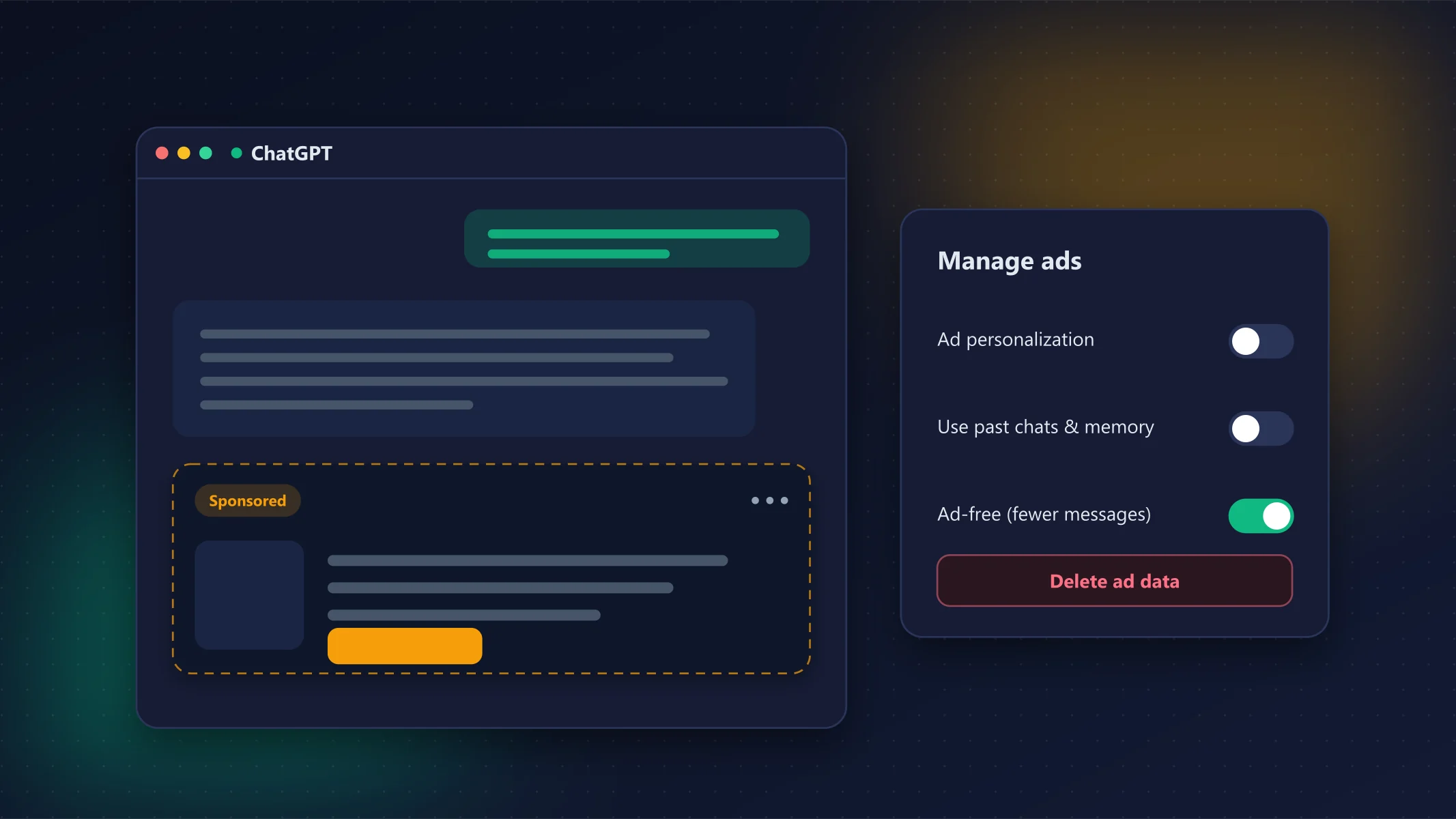
- Ads are labelled "Sponsored" and shown separately from ChatGPT's answer. OpenAI says ads do not influence answers.
- No ads on sensitive topics such as health, mental health or politics.
- By default, ads are chosen using your current conversation, past chats and how you've interacted with previous ads.
- Advertisers only get aggregate statistics (views, clicks), not your chats or personal details.
How to manage or turn off ChatGPT ads
Option 1: Switch to ad-free mode (Free plan)
- Open Settings.
- Select Manage ads.
- Choose Switch to ad-free plan.
- Confirm Reduce message limit.
You'll stop seeing ads, but you get fewer daily messages, and image generation and Deep Research become unavailable. To go back, choose Show ads from the banner that appears when you hit the limit, or from Manage ads in Settings.
Go plan users
The ad-free option is reported to be unavailable on Go. To remove ads you would need to switch back to Free (and use ad-free mode) or upgrade to Plus.
Option 2: Turn off ad personalization (any plan with ads)
In Settings → Manage ads you can:
- turn off Ad personalization;
- turn off use of past chats and memory for ads;
- view your ad history and topics;
- Delete ad data (full deletion can take up to 30 days).
Turning personalization off does not remove ads: you'll still see them, just less tailored to you. It is also separate from the setting that controls whether your chats are used to train models.
Option 3: Hide a single ad
Tap the ⋯ (More options) menu on any ad to Hide ad, Report ad, see About this ad (why you're seeing it) or Ask ChatGPT about it.
Option 4: Use Temporary Chat
Temporary chats don't show ads. They're also not saved to your history, so they are handy for one-off questions.
Option 5: Upgrade or switch assistant
ChatGPT Plus ($20/month) removes ads completely and adds GPT-6 Sol, higher limits and extra tools. Alternatively, Claude and Gemini don't show ads on any plan; compare them in ChatGPT vs Claude vs Gemini.
Privacy tips
- In April 2026 OpenAI updated its privacy policy, and marketing cookies were reported to be on by default for Free and Go users. Review your cookie choices in ChatGPT's privacy settings.
- Don't paste passwords, banking details or other sensitive data into any AI assistant, with or without ads.
- Clearing ad data doesn't delete your chats; manage those separately in Data controls.
What OpenAI gets right
- Ads clearly labelled and kept apart from answers
- No ads on health, mental health or politics
- Easy controls to see, hide and delete ad data
- Temporary chats stay ad-free
What to watch
- Ad-free Free plan means fewer messages and no images
- No ad-free option reported for Go
- Personalization is on by default
- Ads use your conversations unless you opt out
FAQ
Can you turn off ads in ChatGPT for free?
Yes, on the Free plan: Settings → Manage ads → Switch to ad-free plan. You'll get fewer daily messages and lose image generation and Deep Research.
Does ChatGPT Plus have ads?
No. Plus, Pro, Business, Enterprise and Education plans are ad-free.
Do ChatGPT ads use my conversations?
By default, yes: ads can be based on your current chat, past chats and ad interactions. You can turn this off in Settings → Manage ads, and advertisers never see your chats.
Are there ads in temporary chats?
No. Temporary chats don't show ads.
Sources
- ChatGPT now has ads for Free and Go tier users (MacRumors)
- OpenAI brings ads to ChatGPT Go and Free tiers (Axios)
- ChatGPT: how to remove or hide ads (SmartScope, citing OpenAI Help Center, 26 October 2026)
- ChatGPT now has ads: what the privacy policy update means (AI Chat Importer)
- ChatGPT (Wikipedia)
How we test
We use every tool we review on real projects, compare it with its closest alternatives and update articles when pricing or features change. Read our review process.
Related articles
GPT-6 in ChatGPT: What’s New and Which Plan Gets What
GPT-6 makes ChatGPT answers more visual and interactive on every plan; Plus remains the sweet spot for most people.
ChatGPT vs Claude vs Gemini (2026): Which AI Is Best?
ChatGPT is the best all-rounder, Claude is the pick for writing and coding, and Gemini is the best value if you live in Google apps.
Gemini 4 Argon: What’s New and How to Get It
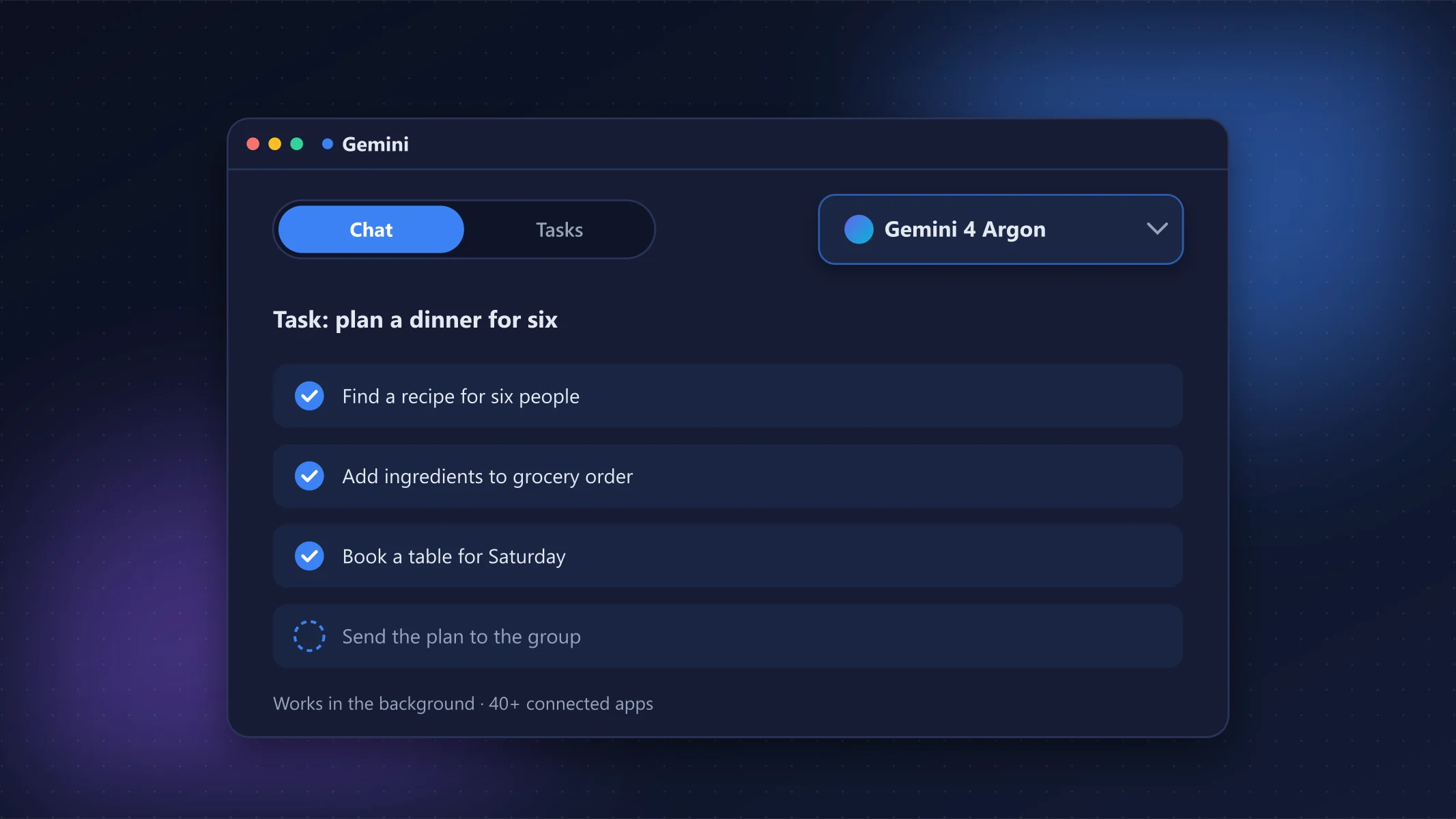
Argon is Google’s strongest model yet and the new Tasks mode is genuinely useful, but you need Google AI Pro or Ultra to use it.